
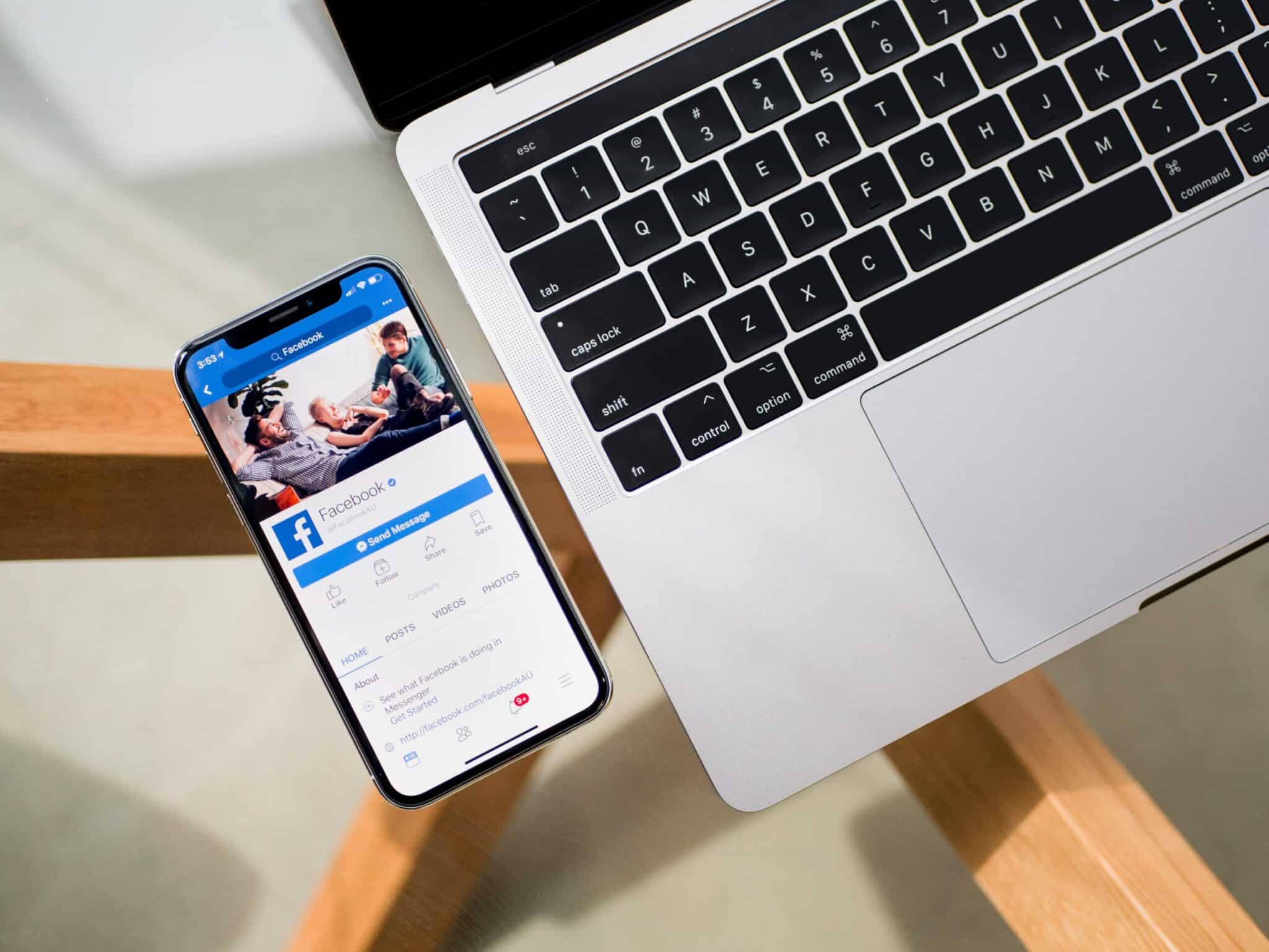
There are more Facebook users than any other social media network. Facebook is the most effective way to reach people with your business content, which is why it’s important that you create a Facebook business page. In this blog post, I will walk you through the process of setting up your Facebook Page so that you can start reaching potential customers and generating revenue for your company!
5 Reasons To Set Up A Business Page
Here are five reasons why Facebook Pages are essential for today’s digital marketers:
- – You can use Facebook Ads Manager
- – You can engage directly with Facebook users on your Page
- – This Facebook Page is a must-have to stay ahead of your competition.
- – Facebook for Business pages give you the ability to grow and expand your business using Facebook Live! Live allows businesses to create content that engages with their customers on a more personal level, meaning they can have real conversations about relevant topics.
- – Facebook for Business pages give you the ability to grow your Facebook community using Facebook Groups. They have recently removed messaging from individual Facebook Pages, instead choosing to focus on enabling businesses to message their customers through private Facebook groups. This makes communicating with your online audience easier than ever before!
Steps On How To Set Up Your Page
Step One: Sign Up
Visit facebook.com/pages/create and click “Create Facebook Business Page”. Then, select the category that matches your business type to start creating your page!
Step Two: Upload Photos & Add About Information
Upload a cover photo for your Facebook page (it should be different to what you use on your Facebook Icon/Logo photo). This is where people will first see photos of the products or work, so make it count! Add an “About” section to let people know who you are and why they should do business with your company.
Step Three: Link Facebook To Your Website Or App
Connecting Facebook to a website or app is the most important step! Facebook will use this information to customise what your customers see on Facebook, as well as track how many people view your site.
Step Four: Create A Username
A username will tell people where to find your site. Facebook recommends using your Facebook page name (e.g., Facebook Business Page), but this isn’t mandatory – you can use your company’s full business name, if you prefer.
Step Five: Promote Your Facebook Business Page
You’ve now created a Facebook business page that people will be able to find easily! Now it’s time to promote your page. Promoting your page means it will reach more people and increase the traffic to your site. Facebook offers Facebook advertising, which involves paying for Facebook ads to promote your page. Facebook ads are affordable and can be targeted at a very detailed level – who sees the ad is entirely up to you!
Step Six: Post Regularly on Your Facebook Business Page
A great way of attracting new customers with Facebook pages is by posting regular content that people can interact with. Make sure your posts are valuable, and encourage people to stick around. Facebook will show your content to more people if they think it is valuable and interesting. Facebook pages are a great way of attracting new customers – use the steps in this guide and you’ll be one step ahead of your competition!
Step Seven: Invite People To Your Page
Now your online presence is established, it is time to generate some follows. Facebook has a tool that allows you to invite people who are Facebook friends. If they accept the invitation, their Facebook page will also follow your business page – this is an easy way of getting new followers!
Step Eight: Create A Facebook Group For Your Business Page
This is another great idea for increasing online presence and attracting potential customers. Facebook groups allow you to interact with customers on a personal level. Facebook groups also encourage Facebook users to link up with your business page, as it is simpler than linking out to an external URL.
Step Nine: Facebook Ads And Facebook Deals
Facebook ads and Facebook deals are a great way of increasing online presence! You can purchase advertising space on the website for as little as £1 per day – which means you can generate masses of traffic to your site with very little effort. Facebook Deals are a great idea for local businesses. Facebook users can sign up to your deal and redeem it with you as many times as they like – which is ideal if you have any restrictions on how often the customer can come into your business!
Step Ten: Facebook Live Events And Facebook Marketplace
The Facebook live events feature allows customers from around the world to engage in Facebook live events with Facebook pages. Facebook Live Events are great for increasing online presence, building customer relationships and generating sales! Customers can watch the Facebook live event on Facebook or go to your Facebook page (located under ‘Events’) to get more information about it.
Step Eleven: How To Use Facebook Insights For Your Business
Insights give you information on your pages performance. Facebook insights are extremely important because Facebook uses it to determine the type of content your audience wants and what is successful and how you can improve. Facebook Insights will also show you if people are interacting with your Facebook page or not!
Setting up a Facebook business page may seem like an intimidating task, but I’ve found that it can be done in just minutes. You don’t have to worry about picking colours or deciding on the perfect layout. There are templates available for you that will save time and provide beautiful design elements right off the bat. It’s important to remember that your customers use social media constantly. So if they’re looking for information about your company (and chances are good they are), then having a presence on their favourite platforms is essential. When was the last time you updated your Facebook profile? If it has been awhile, take some time today to get started with these simple steps!
If you need help setting up a new Facebook business page then reach out to us!
Found this useful? Put it to work on your business.
Get your free audit